When I cd ~/.Trash in the terminal, it shows that there is a folder Downloads, and inside the Downloads folder, another folder Reactions, and inside Reactions, there is a file called
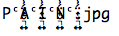
Shutting down or restarting the computer does not work to empty the trash. Also, I should say that the file is hidden and is not showing when I open the Trash folder. Is it a virus? If yes, how do I get rid of it?
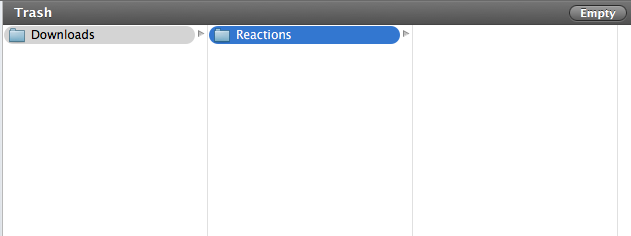
In terminal, using: cd ~/.Trash/Downloads/Reactions and then ls -al, shows the jpg file.
(shown in the screenshot of the file because I could not copy and paste the text here in this question)

drwxrwxrwx 3 username staff 102 Jan 19 14:36 .
drwxr-xr-x 3 username staff 102 Jan 19 16:09 ..
Update 1
I moved the Reactions out of the Downloads and emptied the trash. Now there is only Reactions left with the .jpg inside.
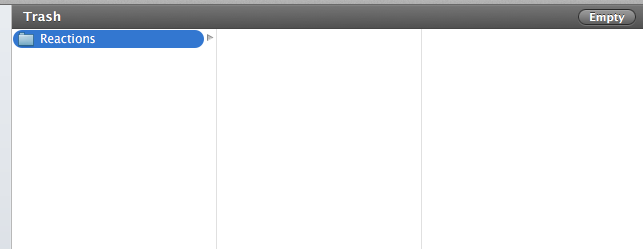
By running ls -aBeil ~/.Trash/Reactions in terminal, following is the result:

36328284 drwxrwxrwx 3 username staff 102 Jan 19 14:36 .
68013143 drwx------ 3 username staff 102 Jan 20 14:55 ..
Update 2
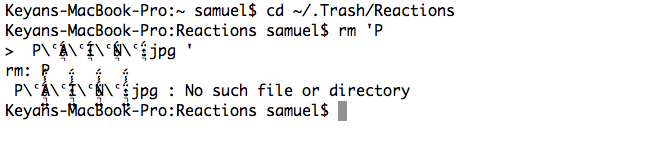
From cd ~/.Trash/Reactions > rm 'P > enter spacetab'return
Result is as follows:
Update 3
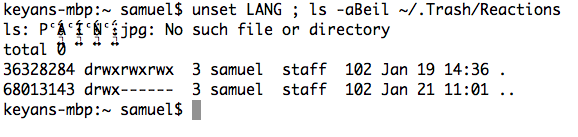
Below is the result from unset LANG ; ls -aBeil ~/.Trash/Reactions:
Update 4
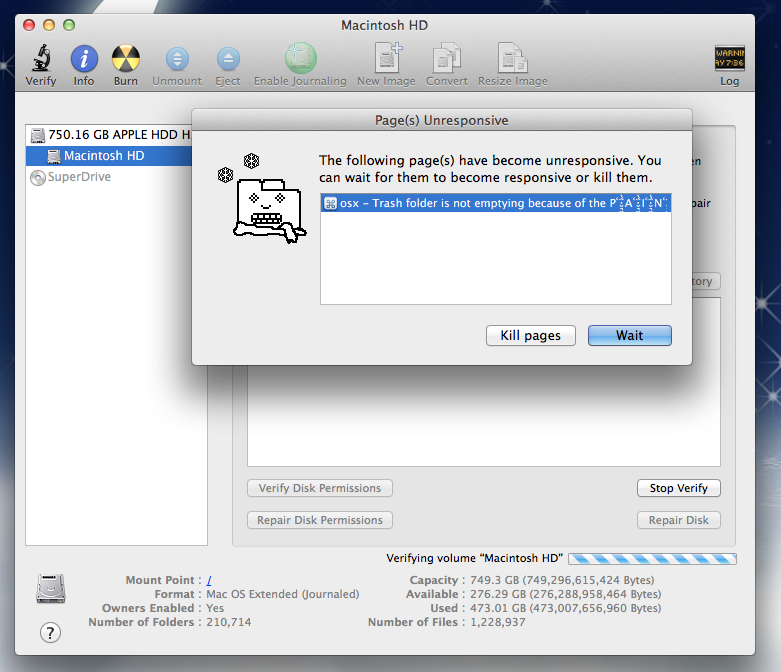
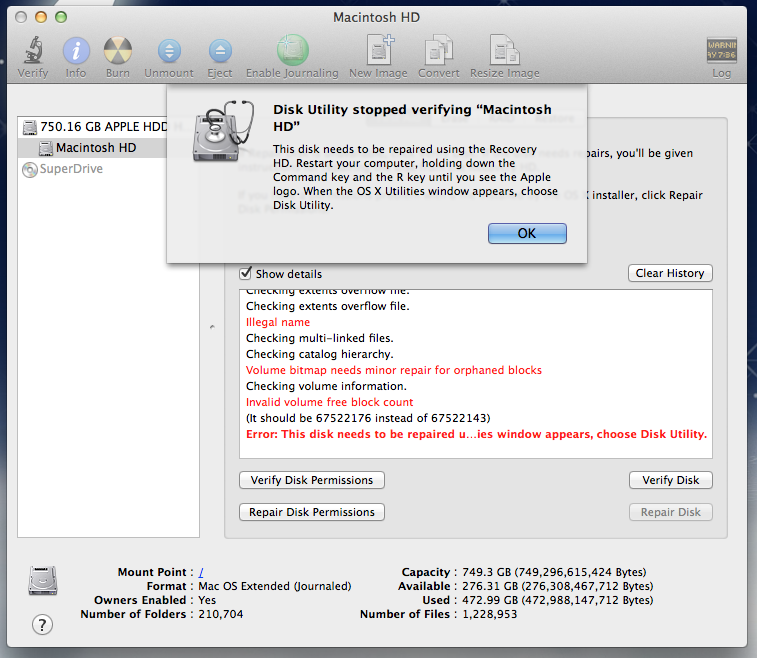
Below is the result from utility disk verification:
Update 5
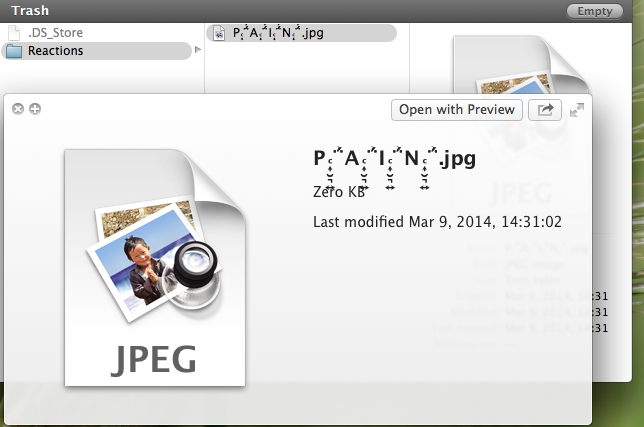
I just repaired the disk through Disk Utility using command + R access after system restart. Then, .jpg file is not hidden anymore and can be emptied on trash. Below you can see the screenshots.
Thank you all for your comments and answers. Special thanks to daniel Azuelos, patrix and klanomath.